Cruise Ship Connectivity Guide: Internet at Sea
Cruising is all about switching off, until you realise you still need to check directions at your next port, message family back home, or upload that perfect sunset photo from deck 12. Staying connected at sea can feel confusing, expensive, and often frustrating if you rely on the wrong option.
With cruise travel booming again, understanding how connectivity works has never been more important. The rules are very different from a standard holiday. You’re moving across countries, networks, and at times, completely out of range of traditional mobile signals. That means your usual data plan, whether roaming or local SIM, doesn’t behave in the way you expect.
This guide breaks it all down. You’ll learn how cruise ship WiFi actually works, why it’s so expensive, when it’s worth using, and how to combine it with smarter alternatives like eSIMs for seamless, reliable connectivity when it matters most.
If you plan it right, you can stay connected without draining your budget or your patience.
How Internet at Sea Actually Works
Before choosing the best option, it helps to understand why cruise internet behaves the way it does.
Satellite connectivity explained
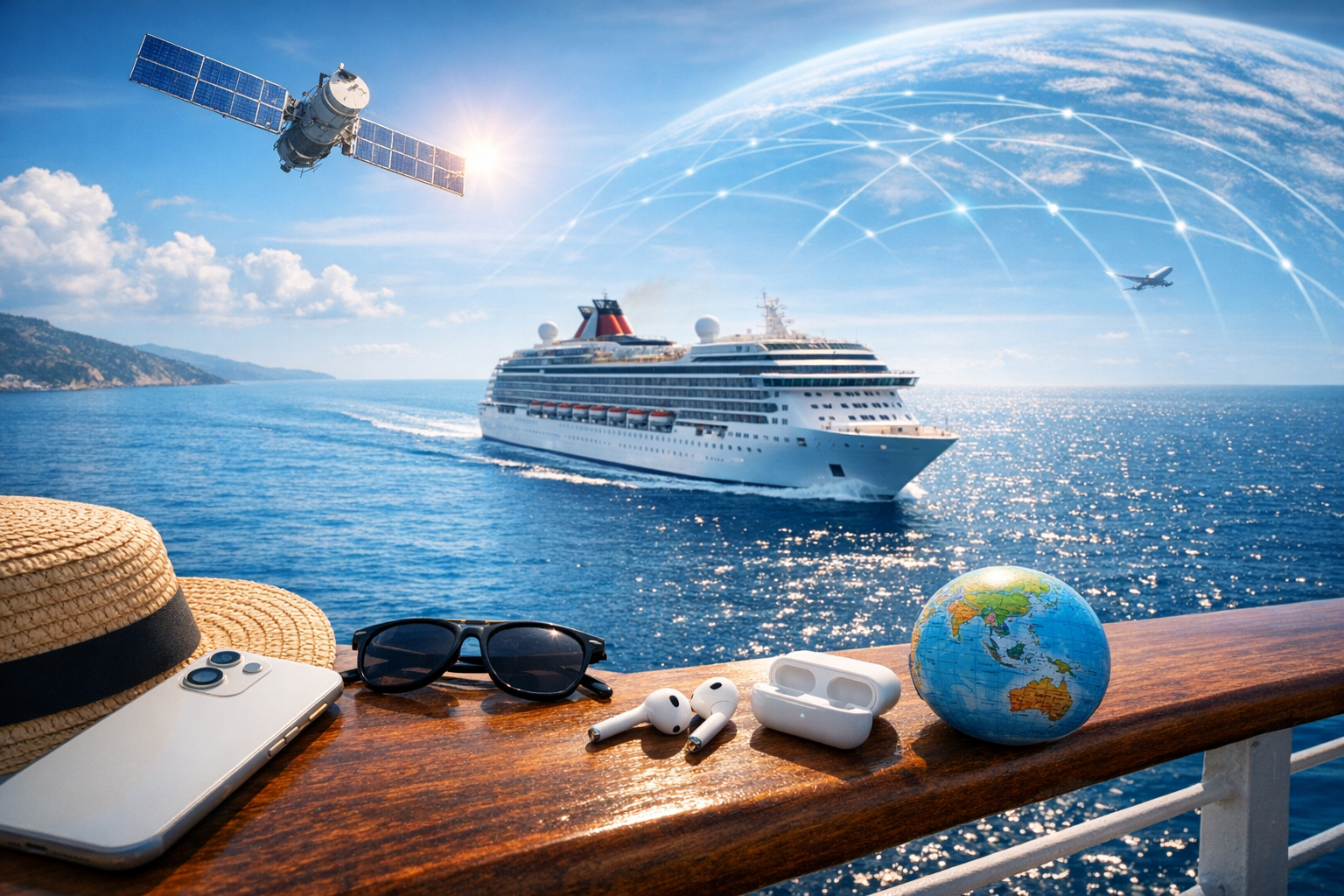
Unlike land-based travel, cruise ships rely on satellite internet while at sea. Instead of connecting to nearby mobile towers, your device routes data via satellites orbiting the Earth. This introduces three key challenges:
Latency: There’s a noticeable delay when loading websites or sending messages
Limited bandwidth: Thousands of passengers share the same connection
High operational costs: Satellite data is significantly more expensive than land-based networks
This is why cruise WiFi tends to feel slower and cost more than what you’re used to at home or even abroad.
Why your phone signal disappears
Once your ship moves away from the coastline, your device loses connection to terrestrial mobile networks. Even if you see a signal occasionally, it may connect to maritime cellular networks, which are extremely expensive.
That’s where smart planning comes in. The key is knowing when to rely on ship connectivity and when to use land-based mobile data instead.
Cruise Ship WiFi: What You Get (and What It Costs)
Types of onboard WiFi packages
Most cruise lines offer tiered WiFi packages, typically split into:
Basic plans: Messaging apps only (WhatsApp, iMessage, email)
Browse plans: General web browsing and social media
Premium plans: Streaming and video calls (often still limited)
In reality, even premium plans can struggle during busy periods when thousands of people are online at once.
Pros of using ship WiFi
Works anywhere at sea
Easy to activate once onboard
No SIM swapping or setup needed
Useful for short bursts of connectivity
Cons you should know before buying
High cost per day compared to land-based data
Speeds can be unpredictable
Streaming or large downloads may not work reliably
Limited connection quality in cabins or crowded areas
For many travellers, ship WiFi works best as a backup rather than a primary solution.
eSIM vs Ship WiFi: The Smarter Strategy
While ship internet is unavoidable at sea, you don’t need to rely on it all the time. The smartest travellers combine onboard WiFi with an eSIM strategy for port days.
Why eSIMs are ideal for cruise travel
An eSIM lets you connect to local mobile networks as soon as you reach a destination. That means:
Faster speeds than ship WiFi
Lower costs compared to cruise internet packages
Reliable navigation, maps, and ride apps
Seamless social media and video usage
Instead of paying premium prices onboard, you can enjoy high-speed data the moment you dock.
Browse all supported countries before your cruise → /our-destinations
The hybrid approach
The best connectivity strategy isn’t choosing one or the other. It’s combining both:
Use ship WiFi sparingly while at sea
Switch to eSIM mobile data at ports
Download content in advance whenever possible
This approach gives you reliable connectivity without overspending.
When to Use Ship WiFi (and When Not To)
Best uses for ship WiFi
Ship WiFi is useful for:
Quick messages to family or friends
Checking emails
Booking activities or excursions
Emergency communication
Short, lightweight tasks are where ship WiFi shines.
When to avoid it
Avoid relying on ship WiFi for:
Streaming videos or shows
Uploading large photo or video files
Video calls or live streaming
Heavy social media usage
These tasks are far better handled once you reach port and connect via mobile data.
Port Day Connectivity: Your Biggest Opportunity
Port days are the golden window for fast, affordable connectivity.
What happens when you reach port
As your ship docks, your phone reconnects to land-based mobile networks. This is where an eSIM makes a huge difference. Instead of searching for WiFi or buying a physical SIM card, you’re instantly connected.
Top advantages of using eSIM at ports
No queues or kiosks at the port
Immediate connection when you step off the ship
Coverage across multiple countries (great for multi-stop itineraries)
Easy switching between networks
Real-life examples
Imagine you’re docking in Barcelona, Athens, or Rome. With an eSIM already activated:
Google Maps works instantly
You can book taxis or Ubers on arrival
Translation apps function without delay
You can share photos or videos without waiting
Multi-Country Cruises: Why Planning Ahead Matters
Many cruises visit multiple countries in one trip. This creates a unique connectivity challenge.
The problem with traditional solutions
Roaming charges can add up across borders
Physical SIM cards are tied to one country
Buying new SIMs at each port is time-consuming
The eSIM advantage for multi-country trips
With a multi-country eSIM plan:
You stay connected across different destinations
No need to swap SIM cards
Costs are predictable and manageable
For Mediterranean or Caribbean cruises, this is especially valuable as you can visit several countries in just a few days.
How to Save Money on Cruise Connectivity
Cruise internet can become one of your biggest hidden travel expenses, but there are simple ways to keep costs under control.
7 practical ways to reduce costs
1. Use airplane mode at sea
Avoid accidental connections to expensive maritime networks by keeping your phone in airplane mode.
2. Download before you sail
Download maps, playlists, shows, and documents before boarding.
3. Use offline features
Apps like Google Maps, Netflix, and Spotify all work offline if prepared in advance.
4. Limit background data
Turn off automatic updates and app syncing.
5. Share a connection
If travelling as a group, one device can connect to WiFi and hotspot others. (Check ship policies first.)
6. Choose short WiFi passes
Instead of full-cruise packages, buy daily passes only when needed.
7. Rely on port connectivity
This is the most cost-effective strategy overall if planned correctly.
Cruise Connectivity Tips for Different Travellers
For families
Use parental controls to manage children’s data usage
Download entertainment for kids before departure
Use eSIMs for group connectivity when exploring ports
For digital nomads or remote workers
Plan work tasks around port days
Use ship WiFi only for urgent communication
Prepare offline work where possible
For social travellers
Save posts and uploads for when you’re docked
Use messaging apps instead of calls
Prioritise strong connections for sharing content
Common Mistakes to Avoid
Even experienced travellers get caught out by cruise connectivity quirks.
Here are the most common pitfalls:
Assuming roaming will work normally at sea
Buying expensive WiFi packages without understanding limitations
Forgetting to download key apps or maps
Waiting until arrival to sort connectivity
Using data accidentally when maritime networks are active
Avoiding these mistakes can save both money and frustration.
What About Security at Sea?
Connectivity isn’t just about speed, it’s also about safety.
Risks of public cruise WiFi
Shared networks across thousands of users
Potential exposure to unsecured connections
Risk when entering sensitive details (banking, passwords)
Safer ways to stay connected
Use mobile data where possible at ports
Avoid logging into sensitive accounts on public WiFi
Consider using secure connections or trusted apps
Being cautious ensures your data stays protected throughout your journey.
The Future of Cruise Connectivity
Cruise lines are investing in improved satellite technologies, including next-generation systems designed to increase speed and capacity. While this will improve onboard connectivity over time, costs are still expected to remain higher than land-based mobile data for the foreseeable future.
For now, a hybrid approach remains the most effective strategy.
Final Thoughts: The Smart Way to Stay Connected at Sea
Cruise ship connectivity doesn’t have to be complicated or expensive. The key is understanding how different systems work and using them strategically.
To recap:
Ship WiFi is useful but best used sparingly
Satellite internet comes with limitations and higher costs
Port days offer fast, affordable connectivity via mobile networks
eSIMs provide seamless, flexible, multi-country data access
By combining these options, you can stay connected when it matters most without overspending or relying on slow connections.
Ready to Stay Connected on Your Cruise?
Don’t wait until you board to figure out your connectivity plan.
Related Articles

Unlimited Data eSIMs Explained: What Unlimited Really Means for Travellers
Considering an unlimited data eSIM for your next trip? Learn what unlimited really means, from speed caps and fair usage policies to choosing the right plan for your travel style.

Double Data, Double Freedom: Your Ultimate Summer Travel Companion with Vodafone Travel eSIM
Get ready for summer travel with Vodafone Travel eSIM and enjoy double data on selected destinations. Stay connected from the moment you land with easy setup, reliable coverage and no bill shock.
Travel eSIM security: is it safer than public Wi‑Fi? (privacy, VPN, scams)
Is a travel eSIM safer than public Wi-Fi? Discover how eSIMs protect your data abroad, how they compare to hotel and airport networks, and the best ways to stay secure while travelling.