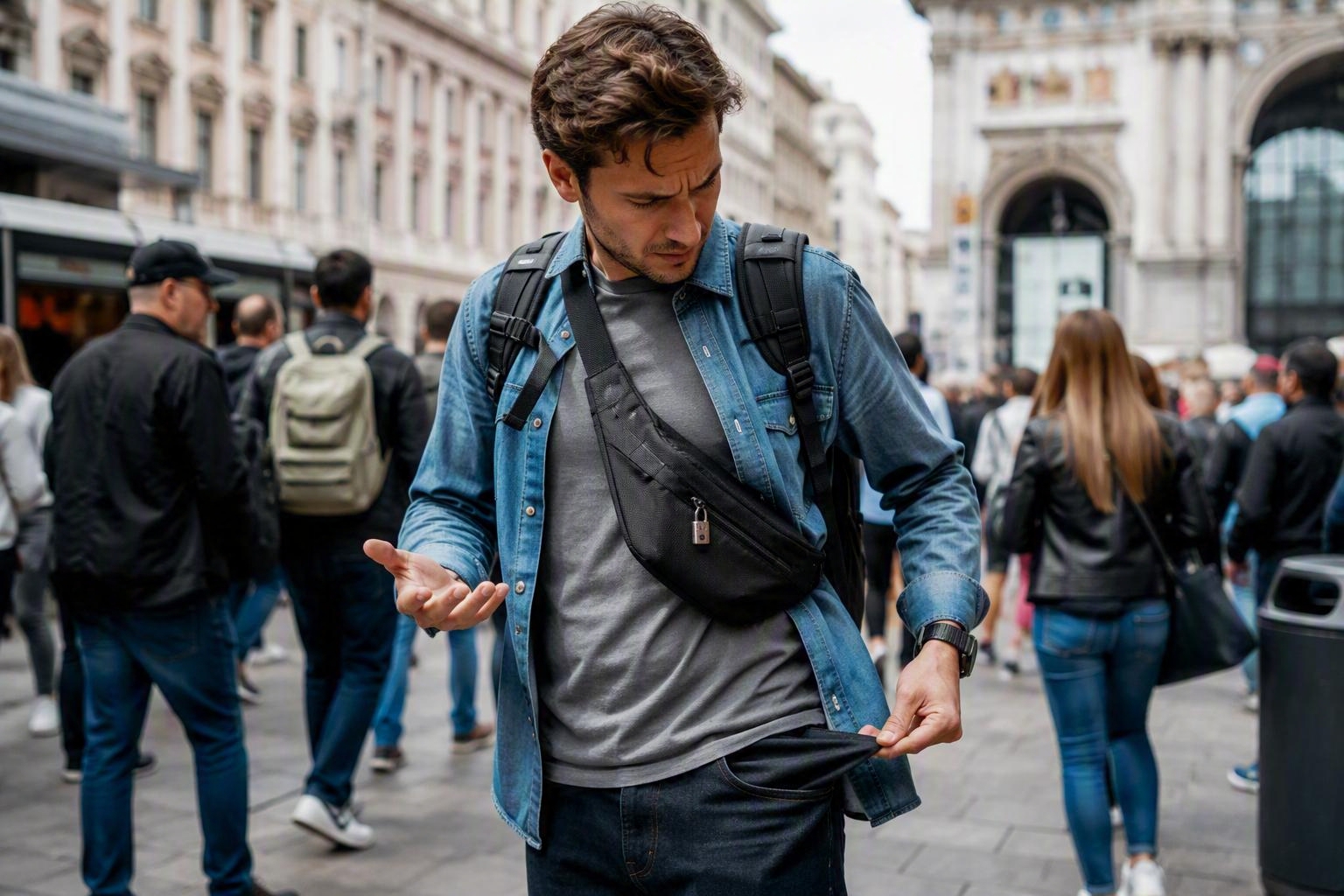
What To Do If Your Phone Is Stolen Abroad: The Complete Recovery Guide
Few travel mishaps feel as stressful as discovering your phone has been stolen while you're abroad. One moment you're navigating a new city, checking your boarding pass, paying for lunch, or messaging family at home. The next, your device has vanished and with it access to maps, booking confirmations, banking apps, tickets, photos, contacts, and often your primary way of staying connected. The good news is that a stolen phone does not have to ruin your trip. Modern smartphones include security features that can help protect your personal information, while a few quick actions can dramatically reduce the risk of fraud, identity theft, and further disruption. This guide explains exactly what to do if your phone is stolen abroad, from the first five minutes after you discover it's missing through to replacing your connectivity and protecting your accounts. Whether you're on a weekend city break, a family holiday, a business trip or a long-term adventure, these practical steps can help you regain control quickly and safely.
First: Stay Calm and Confirm the Phone Is Actually Missing
Before assuming a theft has occurred, take a moment to rule out the more common possibility that the device is simply lost.
Travellers often leave phones in:
Restaurants
Airport lounges
Hotel rooms
Taxis and ride-share vehicles
Beach bags
Train seats
Museum lockers
Airport security trays
Retrace your most recent movements if it's safe to do so. Ask staff at nearby venues whether anyone has handed in a device. Check bags, pockets and luggage thoroughly. Many phones are eventually recovered because they were misplaced rather than stolen. If you're travelling with friends or family, ask someone to call your number. You may hear the device ringing nearby or discover that somebody has found it and is trying to return it. However, if the phone remains unreachable, powered off, or appears to be moving location unexpectedly, theft becomes more likely.
Use Device Tracking Immediately
The sooner you attempt to track your phone, the greater your chance of understanding what happened.
For iPhone Users
Use Apple's Find My service from another Apple device or through a web browser. If the device is online, you may be able to:
View its location
Play a sound
Put it into Lost Mode
Display contact information on screen
Remotely erase the device
Lost Mode prevents unauthorised access and immediately makes the phone less valuable to thieves.
For Android Users
Use Google's Find My Device service. Depending on the phone model and settings, you can:
Locate the phone
Ring it remotely
Lock it
Display recovery contact information
Erase stored information
Why Speed Matters
Thieves often attempt to:
Switch off devices
Remove SIM cards
Factory reset phones
Access personal accounts
The sooner you activate tracking and locking features, the better your chances of protecting your information.
Secure Your SIM Card Immediately
A stolen smartphone is concerning. A stolen SIM card can be even more dangerous. Many banks, email providers and online services still use SMS verification. If criminals gain access to your SMS messages, they may be able to intercept security codes.
Contact your mobile provider as soon as possible and ask them to:
Suspend the SIM
Block outgoing usage
Prevent replacement requests
Add extra security to your account
This step can help prevent account takeover attempts.
If you're using a travel eSIM, you'll generally be able to disable the profile and arrange a replacement more quickly than someone relying on a local physical SIM purchased abroad.
Stay Connected After Theft
Losing your phone is much easier to manage if you can get back online quickly. A travel eSIM allows compatible replacement devices to be connected without hunting for local mobile shops or airport SIM kiosks. Explore Vodafone Travel options before your trip through travel eSIM solutions so you'll always have a backup connectivity plan if the unexpected happens.
Change Your Most Important Passwords
Once a device disappears, assume somebody may eventually gain physical access to it. Even if your phone is protected by biometric security, it is wise to update critical passwords immediately.
Prioritise:
Email Accounts
Email is often the gateway to every other online account.
Change passwords for:
Gmail
Outlook
Yahoo
iCloud email
Business email accounts
If criminals gain access to your email account, they can often reset passwords elsewhere.
Banking Apps
Access online banking through another trusted device. Update login credentials and check recent transactions. Many banks allow customers to temporarily freeze cards through their app or online portal.
Cloud Storage
Review:
Google Drive
OneDrive
Dropbox
iCloud
Remove the missing phone from trusted devices if possible.
Social Media Accounts
Protect:
Facebook
Instagram
TikTok
X
LinkedIn
These platforms can contain years of personal information and sometimes sensitive conversations.
Review Banking and Financial Activity
Your phone often acts as a wallet.
Today many travellers use:
Apple Pay
Google Wallet
Mobile banking apps
Currency accounts
Cryptocurrency wallets
Payment apps
Immediately review activity on:
Credit cards
Debit cards
Travel money cards
Digital payment services
Watch for:
Unknown purchases
ATM withdrawals
Login attempts
Security alerts
Contact financial providers if anything appears suspicious. Many institutions can place temporary restrictions on accounts while investigations take place.
Remove Digital Wallet Access
One important step travellers often forget is removing payment access from the stolen phone. Most banking providers allow you to:
Remove payment tokens
Disable mobile wallets
Deactivate contactless functions
Unlink devices
This can often be completed without cancelling physical bank cards themselves. The process varies by provider but is worth prioritising early.
Contact Your Travel Insurance Provider
If you purchased travel insurance before departure, you may be covered for theft.
Policies differ significantly, but many include protection for:
Smartphones
Tablets
Laptops
Cameras
Personal belongings
Your insurer will likely request:
A police report
Purchase receipts
Device details
Proof of ownership
Contact them quickly to understand requirements and avoid issues later when making a claim.
Information to Have Ready
Keep records of:
Device make and model
Purchase date
IMEI number
Serial number
Insurance policy details
A screenshot stored securely in cloud storage can be extremely useful.
File a Police Report
Reporting theft isn't always enjoyable during a holiday, but it is often necessary.
A police report may be needed for:
Insurance claims
Device blacklisting
Travel documentation support
Local investigations
Provide as much information as possible.
Useful details include:
Time of theft
Location
Device description
IMEI number
Circumstances surrounding the incident
Keep a digital and printed copy if one is available. Even if recovery is unlikely, the report creates an official record.
Protect Access to Travel Documents
Many travellers now store important documents digitally.
A stolen phone may contain:
Passport scans
Visa confirmations
Boarding passes
Hotel reservations
Travel itineraries
Event tickets
Use another secure device to review where your travel information is stored. If any documents contain sensitive personal data, consider updating passwords for associated accounts. Cloud backups become incredibly valuable during situations like this. This is one reason frequent travellers should keep copies of essential documentation stored securely online, not exclusively on a phone.
What If Your Passport Was Stolen Too?
Unfortunately, phone theft sometimes occurs alongside bag theft.
If your passport was also stolen:
Report it to local police.
Contact your embassy or consulate.
Gather alternative identification documents.
Obtain emergency travel documentation if required.
Inform airlines if travel plans may be affected.
Embassy websites often provide country-specific guidance on replacement procedures.
Keep Access to Two-Factor Authentication
Many people only realise how dependent they are on two-factor authentication after losing a phone. Important services may require verification codes to access:
Email
Banking
Government accounts
Work systems
Travel bookings
If possible, use:
Backup authentication methods
Security keys
Alternative devices
Recovery codes
Before future trips, it is wise to save authentication recovery codes somewhere secure. Doing so can save hours of frustration if a phone disappears.
How To Stay Connected After Losing Your Device
Connectivity becomes critical after theft. You may need internet access to:
Contact family
Access money
Speak with insurers
Reach accommodation providers
Use maps
Rebook transportation
Option 1: Use a Spare Device
Some travellers carry:
A secondary phone
A tablet
A lightweight travel handset
These can become invaluable backup solutions.
Option 2: Buy a Replacement Device
If your trip is lengthy, replacing your phone locally may make sense. Consider:
Official retailers
Trusted electronics chains
Airport technology stores
Avoid suspiciously cheap devices sold through unofficial channels.
Option 3: Activate a Travel eSIM
Many compatible devices can be connected within minutes using an eSIM. Rather than searching for local SIM stores, completing registration requirements or dealing with language barriers, you can often get online quickly through a digital setup process.
Practical Recovery CTA
Planning ahead can save significant stress later. Browse Vodafone Travel destinations and connectivity options before departure to ensure you're prepared for unexpected disruptions abroad.
Notify Friends and Family
Tell trusted contacts your phone has been stolen. This helps prevent confusion and potential scams. Criminals occasionally attempt to impersonate phone owners via:
Messaging apps
Social media
SMS
Email
Let family and friends know:
Your phone has been stolen
You may be using a new number
Suspicious messages should be ignored
This simple step reduces the chance of someone falling victim to fraud.
Be Alert to Phishing Attempts
After a theft, criminals sometimes send messages claiming they have found the device. Typical examples include:
Fake location links
Fraudulent recovery services
Bogus Apple ID requests
Fake Google account alerts
These messages attempt to capture usernames and passwords. Never enter credentials via unexpected links.
Instead:
Visit services directly through official websites
Use trusted apps
Verify communications independently
If a message claims your phone has been found, verify the information before responding.
Understanding IMEI Blocking
Every mobile device has a unique International Mobile Equipment Identity number, commonly known as an IMEI. This identifier helps carriers recognise individual devices. By providing the IMEI to your network provider, you may be able to:
Report theft
Restrict use on participating networks
Support recovery efforts
Many people never record their IMEI until it's too late. Before future trips, save it securely. For most phones, dial:*#06#and store the number somewhere safe.
Preventing Future Theft While Travelling
While no solution guarantees complete protection, good habits greatly reduce risk.
Avoid Keeping Phones in Back Pockets
Tourist hotspots attract opportunistic thieves. Phones stored in visible pockets are easy targets.
Use Secure Bags
Anti-theft bags with concealed zips provide additional protection.
Be Vigilant in Crowded Areas
Common theft locations include:
Public transport
Tourist attractions
Festivals
Markets
Busy squares
Crowds can provide cover for pickpockets.
Enable Strong Device Security
Always use:
Face ID
Fingerprint recognition
Strong passcodes
Avoid simplistic codes such as:
0000
1111
1234
Birth years
Turn On Tracking Features Before You Travel
Many travellers only discover tracking is disabled after their device disappears. Check settings before departure.
Maintain Cloud Backups
Photos, documents and contacts become far less stressful to lose if they're securely backed up.
Carry Backup Contact Information
Write down:
Emergency contacts
Insurance details
Hotel addresses
Flight reference numbers
A small printed copy can prove invaluable if all technology fails.
A Simple Emergency Phone Theft Checklist
If your phone is stolen abroad:
Confirm it is genuinely missing.
Attempt device tracking.
Activate Lost Mode or remote lock.
Suspend the SIM card.
Change email passwords.
Protect banking accounts.
Disable digital wallets.
File a police report.
Contact insurance providers.
Notify family and friends.
Obtain replacement connectivity.
Monitor accounts for suspicious activity.
Working through these steps systematically can help transform a stressful situation into a manageable problem.
Frequently Asked Questions
Should I Remotely Erase My Phone Immediately?
If recovery appears unlikely and sensitive information is at risk, remote erasure may be appropriate. However, remember that once erased, device tracking capabilities may be limited. Consider your circumstances carefully.
Can Someone Access My Banking Apps?
Modern banking apps are typically protected by multiple layers of security. However, you should still secure accounts immediately and monitor activity carefully.
Is It Better To Block the SIM Straight Away?
Yes. Blocking the SIM helps prevent misuse, including attempts to intercept verification messages.
Can Travel Insurance Cover Stolen Phones?
Many policies provide some level of protection, but coverage varies. Review your policy wording and insurer requirements.
How Can I Get Data Again Quickly?
A compatible replacement device combined with a travel eSIM is often one of the fastest ways to regain connectivity abroad.
Final Thoughts: Preparation Makes All the Difference
Having your phone stolen abroad is frustrating, inconvenient and often expensive. Yet for most travellers, the biggest damage comes not from losing the device itself but from losing access to connectivity, money, bookings and essential accounts. The fastest recoveries happen when travellers have prepared in advance with cloud backups, device tracking, strong security settings and a clear plan for restoring internet access.
Before your next trip, take a few minutes to review your security settings, save important account information and organise a backup connectivity option.
Keep Your Travel Plans Connected
Don't wait until you're standing in a foreign city without access to maps, messages or money.
Get prepared before you travel. Explore Vodafone Travel connectivity solutions and choose the right eSIM for your destination today through Vodafone Travel eSIM plans and stay connected, even when travel doesn't go to plan.
Read More

Can You Use a Travel eSIM on an iPad, Tablet or Hotspot Device?
Learn how travel eSIMs work on iPads, tablets and hotspot devices, plus compatibility checks, setup tips and best use cases.
Does Your Number Stay the Same With an eSIM? Everything You Need to Know
Learn whether your phone number stays the same with an eSIM, including travel eSIMs, dual SIM use, WhatsApp, SMS and banking codes.
7 Ways to Save Data While Travelling Abroad
Save mobile data while travelling abroad with 7 smart, practical tips. Learn how to reduce data usage, avoid surprises and stay connected on your trip.