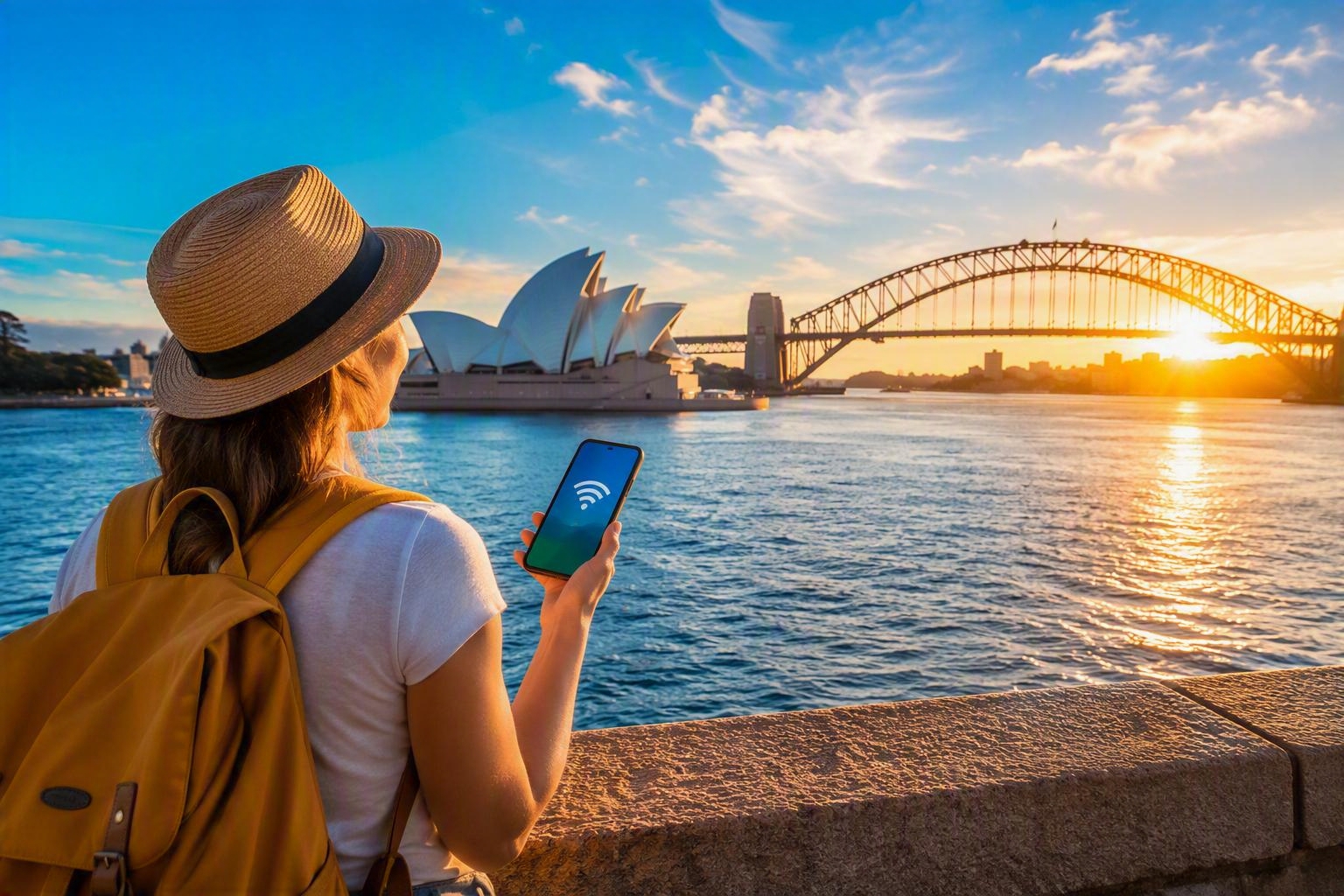
Can I Buy an Australian eSIM Online? Step-by-Step Guide + When to Activate
Planning a trip Down Under? One of the most common questions travellers ask before they fly is: can I buy an Australian eSIM online before I arrive?
The short answer is yes.
In fact, buying an Australia eSIM before your trip is often the easiest way to stay connected from the moment you land. Instead of searching for a SIM kiosk at the airport, comparing plans after a long flight, or worrying about roaming costs, you can install your eSIM before departure and activate it at the right time.
Whether you're heading to Sydney, Melbourne, Brisbane, Perth, the Gold Coast, Tasmania, or embarking on an epic road trip across Australia, this guide explains exactly how to buy an Australian eSIM online, when to activate it, what to look for when choosing a plan, and how to avoid common mistakes.
Can you buy an Australia eSIM online?
Yes. Travel eSIMs are designed to be purchased online before your trip. Most providers send your eSIM digitally, allowing you to install it directly onto your phone without waiting for physical delivery.
Once installed, your eSIM can usually be activated when you reach Australia or when you're ready for your travel data allowance to begin. This means you can often sort out your connectivity before you even leave home.
For many travellers, this is far more convenient than:
Buying a SIM card at the airport
Finding a local mobile store
Paying expensive roaming fees
Swapping physical SIM cards
Carrying multiple SIM cards during a trip
An eSIM lets you prepare in advance so you can focus on planning your holiday rather than troubleshooting your mobile connection.
What is an Australia eSIM?
An Australia eSIM is a digital SIM that allows you to connect to local Australian mobile networks without inserting a physical SIM card into your device. Instead of handling a plastic SIM card, you download a mobile plan digitally. With a compatible and unlocked device, you can:
Install your travel plan before departure
Connect to Australian networks
Use mobile data throughout your trip
Keep your physical SIM in your phone
Manage multiple SIM profiles on one device
For travellers visiting Australia, the biggest benefit is convenience. You can often land in Sydney, switch on your phone, and get online within minutes.
Why buy an Australian eSIM before you travel?
Many travellers wait until arrival to sort out connectivity. While that can work, there are several advantages to buying an eSIM before you fly.
1. You can get online immediately after landing
After a flight to Australia, the last thing most people want is another queue. Having connectivity from the moment you arrive makes it easier to:
Book rideshares
Access hotel bookings
Contact family
Use maps and navigation
Check transport options
Access boarding passes and travel apps
2. No airport SIM card hunt
Airport SIM kiosks can be busy, especially during peak travel seasons. Opening hours vary, queues can be long, and plan choices may be limited. An eSIM removes that uncertainty.
3. Easier trip planning
Knowing your connectivity is sorted before departure helps eliminate one more travel task. Everything is organised before you leave.
4. You can compare plans properly
When you are planning from home, you can compare:
Data allowances
Trip duration
Coverage options
Device compatibility
Pricing
Without the pressure of making a quick decision after arrival.
5. Keep your primary SIM in place
Most modern smartphones support dual SIM functionality. That means you may be able to keep your usual number active while using your Australia travel eSIM for data.
Is my phone compatible with an Australia eSIM?
Before purchasing, make sure your phone supports eSIM technology.
Many modern devices are compatible, including:
Apple devices
iPhone XS
iPhone XR
iPhone 11 series
iPhone 12 series
iPhone 13 series
iPhone 14 series
iPhone 15 series
iPhone 16 series and newer compatible models
Samsung devices
Many recent Samsung Galaxy models support eSIM, including selected:
Galaxy S series devices
Galaxy Z Fold devices
Galaxy Z Flip devices
Google devices
Many Google Pixel models support eSIM functionality, including recent generations.
Other manufacturers
Support is increasingly available across:
Motorola
Oppo
Xiaomi
Huawei select models
Sony select models
Compatibility varies by model, market, and network restrictions.
Before purchasing, verify:
Your phone supports eSIM
The device is carrier unlocked
You're using the latest software version
Do you need an unlocked phone?
In most cases, yes.A locked phone may not allow you to install an eSIM from another provider. If you've purchased your device directly from a manufacturer, it's often already unlocked. If your device came via a mobile contract, it's worth checking before buying your travel eSIM.
Common signs your device may be locked include:
Restrictions on adding another network
Error messages during activation
Missing eSIM management options
Checking before purchase can save significant frustration later.
How to buy an Australia eSIM online
Buying an eSIM is usually a straightforward process.
Step 1: Choose your destination
Select Australia as your destination.
Some travellers may prefer:
Australia-only coverage
Australia and New Zealand coverage
Multi-country Asia-Pacific plans
Your choice depends on your itinerary.
Step 2: Choose your data allowance
Think about how much data you'll realistically use.
Light users might mainly use:
Maps
Messaging
Email
Browsing
Medium users may also use:
Social media
Photo uploads
Music streaming
Heavy users may regularly use:
Video calls
Streaming services
Hotspotting
Remote work tools
Step 3: Match your plan to trip length
Consider:
Weekend breaks
One-week holidays
Two-week adventures
Month-long road trips
A longer stay generally requires a larger data allowance.
Step 4: Purchase online
Once you've selected a plan, complete your purchase online. You'll typically receive installation instructions digitally.
Step 5: Install before departure
Installation and activation are not always the same thing. This distinction is extremely important. Installing simply places the eSIM profile on your device. Activation is usually what starts service. We'll cover timing in more detail later.
Step 6: Travel with confidence
After installation, the eSIM remains ready for activation when appropriate.
Australia travel data: how much do you need?
One of the biggest concerns travellers have is choosing the correct amount of data. There isn't a one-size-fits-all answer.
Light usage
Suitable for:
Messaging apps
Maps
Email
Basic browsing
Typical traveller:
Sightseeing holiday
Limited social media
Hotel Wi-Fi available
Medium usage
Suitable for:
Daily social media
Uploading photos
Moderate streaming
Frequent navigation
Typical traveller:
City breaks
Road trips
Independent travellers
Heavy usage
Suitable for:
Frequent video calls
High-definition streaming
Hotspot use
Remote working
Typical traveller:
Digital nomads
Business travellers
Long stays
Australian road trip considerations
Australia is famous for epic driving routes. From the Great Ocean Road to Queensland coastal adventures and journeys through Western Australia, many visitors spend hours on the move.
During road trips, mobile data often powers:
Navigation
Accommodation bookings
Fuel stop searches
Weather checks
Emergency communications
As a result, road trippers frequently use more data than expected.
When should you activate your Australia eSIM?
This is the question that confuses travellers most.
Installation and activation are different
Installing your eSIM simply adds it to your device. Activating your eSIM generally allows it to begin connecting to networks and using the service associated with your plan. Many travellers incorrectly assume installation automatically means activation. That isn't always true. Because policies vary, always review the individual instructions provided with your eSIM.
Recommended timing
A common and safe approach is:
Before departure
Install the eSIM profile before leaving home. This ensures:
You have stable internet access
You can troubleshoot if required
Customer support is available if needed
During travel
Keep the eSIM installed and ready.
Upon arrival
Activate according to the provider's instructions when you are ready for service to begin. This approach helps many travellers avoid accidentally using travel days before reaching Australia.
Should you activate before you fly?
Sometimes yes, sometimes no. The answer depends entirely on the plan.
Important factors include:
When the validity period begins
Whether activation starts immediately
Whether activation occurs on first network connection
Provider-specific rules
Always read the activation instructions carefully. When in doubt, install before your trip and activate according to the provider's recommendations.
Useful rule of thumb
Install early. Activate only when appropriate. This reduces last-minute stress and typically gives you the smoothest arrival experience.
What happens when you land in Australia?
A typical process looks like this:
Switch off aeroplane mode.
Allow your device to connect.
Enable your travel eSIM if required.
Confirm mobile data settings.
Wait for network registration.
Test internet connectivity.
You can then start using data for:
Maps
Messaging
Travel bookings
Ride-sharing apps
Restaurant reservations
Transport information
Many travellers find the first few hours after landing are when reliable data is most valuable.
Australia coverage: what should travellers expect?
Australia has excellent mobile coverage in many populated areas. Major cities generally offer strong connectivity, including:
Sydney
Australia's largest city has extensive network coverage and excellent connectivity across tourist hotspots.
Melbourne
Whether exploring laneways, cafes or sporting venues, mobile connectivity is generally reliable throughout metropolitan areas.
Brisbane
Coverage is typically strong throughout the city and surrounding tourist regions.
Gold Coast
Popular with international holidaymakers, connectivity is generally good throughout major resort locations.
Perth
Coverage across metropolitan areas is typically strong.
Adelaide
Travellers visiting South Australia's capital can generally expect reliable urban coverage.
Tasmania
Coverage is strongest around major towns and populated areas.
Rural Australia
Remote areas can have different coverage conditions.
This is particularly important if you're planning:
Outback adventures
Campervan travel
National park visits
Long-distance driving routes
Before heading into remote regions, download:
Offline maps
Travel guides
Confirmations
Emergency information
Having offline backups is always sensible.
Australia eSIM vs roaming
Travellers often compare eSIMs with traditional roaming.
Roaming advantages
No setup required
Existing number stays active
Familiar billing experience
Roaming disadvantages
Potentially higher costs
Risk of unexpected charges
Limited flexibility
eSIM advantages
Purchase before travel
Easy digital installation
Travel-focused data options
Convenient setup
eSIM disadvantages
Requires a compatible device
Initial setup needed
Activation instructions must be followed carefully
For many leisure travellers, eSIMs strike a practical balance between convenience and cost control.
Ready to stay connected in Australia?
Explore Vodafone Travel's Australia eSIM options before you depart and enjoy connectivity from the moment you land.
Common mistakes travellers make
Waiting until arrival
Leaving connectivity until after landing can create unnecessary stress.
Forgetting to check compatibility
Always confirm your device supports eSIM.
Not checking carrier lock status
An incompatible carrier lock can prevent activation.
Activating too early
Understanding your plan's activation rules helps you avoid wasting validity days.
No backup connectivity plan
Even with an eSIM, it's wise to download:
Offline maps
Hotel confirmations
Important documents
Before departure.
Frequently asked questions
Can I buy an Australia eSIM before travelling?
Yes. Many travellers purchase and install an Australia eSIM before departure.
Can I install my eSIM before I fly?
Usually yes. Installation is commonly completed before travel.
Can I use my normal number with an eSIM?
Many dual SIM devices allow travellers to continue using their regular SIM while using a travel eSIM for data.
Does an Australia eSIM work throughout the country?
Coverage varies by location, but travellers can generally access service across major cities and populated regions.
Are eSIMs better than airport SIM cards?
For many travellers, eSIMs are more convenient because they can be arranged before departure.
Do I need a passport to buy an Australia eSIM online?
Requirements vary by provider and product, but many online travel eSIM purchases are significantly simpler than some physical SIM registration processes.
Final thoughts: buy before you fly for the easiest Australia connectivity
If you're wondering whether you can buy an Australian eSIM online, the answer is absolutely yes. For many travellers, buying before departure is the simplest way to stay connected throughout an Australian holiday. You can compare plans at your own pace, install before travelling, avoid airport queues, and prepare your phone before boarding your flight. Most importantly, understanding the difference between installation and activation helps you avoid one of the most common travel connectivity mistakes. Whether you're spending a weekend in Sydney, exploring Melbourne's culture scene, surfing on the Gold Coast, discovering Tasmania, or embarking on an unforgettable Outback road trip, reliable mobile data makes navigating Australia significantly easier. Don't wait until you land. Browse Vodafone Travel's Australia connectivity options, install your eSIM before departure, and arrive ready to explore from the moment your plane touches down.
Read More

Can You Use a Travel eSIM on an iPad, Tablet or Hotspot Device?
Learn how travel eSIMs work on iPads, tablets and hotspot devices, plus compatibility checks, setup tips and best use cases.

Does Your Number Stay the Same With an eSIM? Everything You Need to Know
Learn whether your phone number stays the same with an eSIM, including travel eSIMs, dual SIM use, WhatsApp, SMS and banking codes.

How Much Data Do You Need When Travelling? A Practical Calculator
Work out how much travel data you need with simple examples, usage estimates and eSIM plan tips for every trip.